
Table of Contents
Product groups determine which of your products have audio descriptions.
Setup #
- From the Shopify admin, navigate to Apps > Describe It.
- Click Create group.
- Enter a name for your group.
Note: This name is internal only. Customers won’t see it.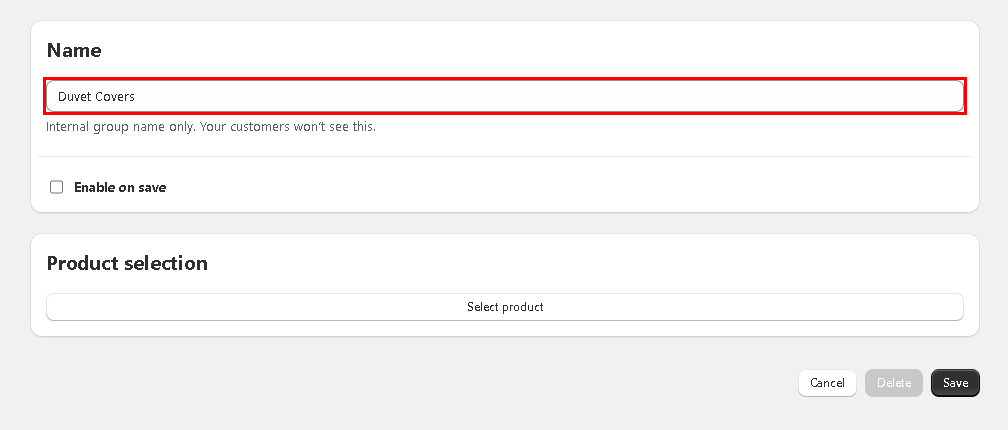
- Check the box next to Enable on save if you would like the group to be active immediately upon saving. If not, you can leave this unchecked and enable it from the Groups page later.
- Click Select products.
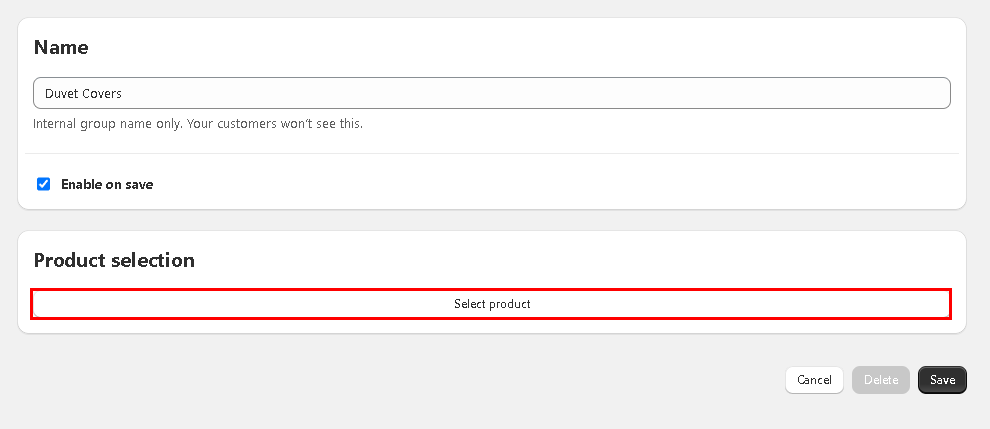
- Search for your products by All, Product title, Product ID, Barcode, or SKU.
- Select each product you would like to add to the group.
Note: Do not select variants only. The audio can only be applied to the top level product including all variants.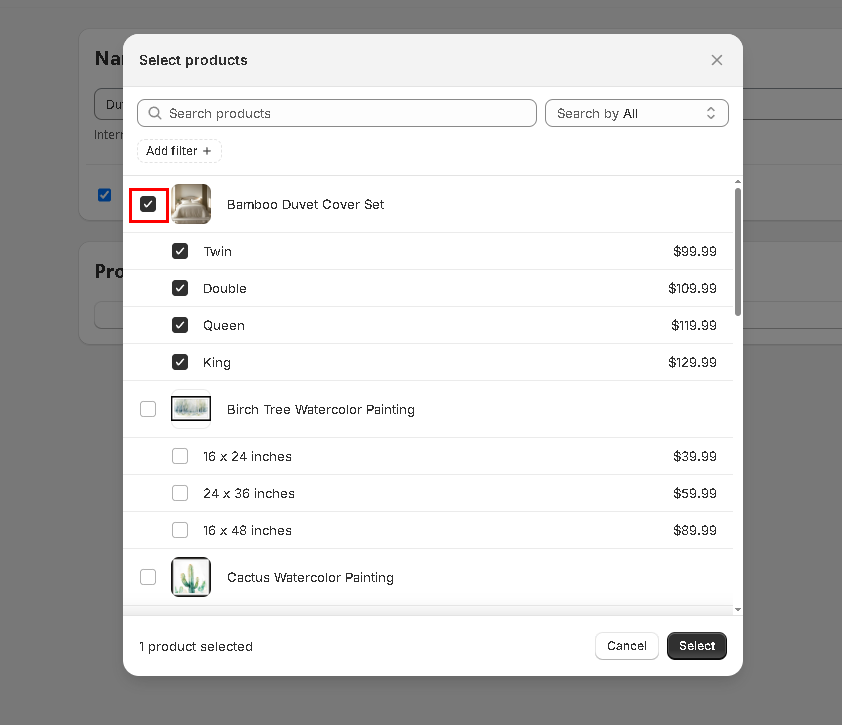
- Click Select.
- Click Save.


