
Table of Contents
Describe It allows you to edit, delete, or resync your groups after they have already been created.
Edit a product group #
- Go to the Groups page.
- Click Edit for the group you’d like to edit.
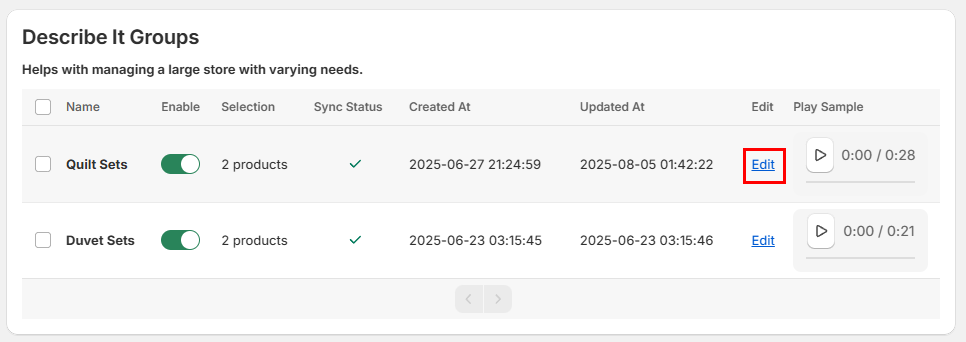
- Optional: Rename the group.
- Click Change Product(s).
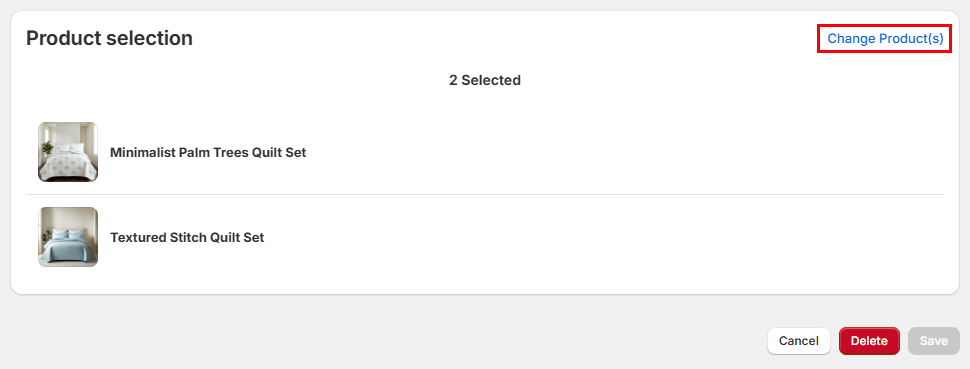
- Select the products you’d like to add, or deselect the products you’d like to remove.
- When you’re finished, click the Select button.
- Optional: Check or uncheck Enable on save.
- Click the Save button.


